

Compare
Envisia vs Excel & Spreadsheets
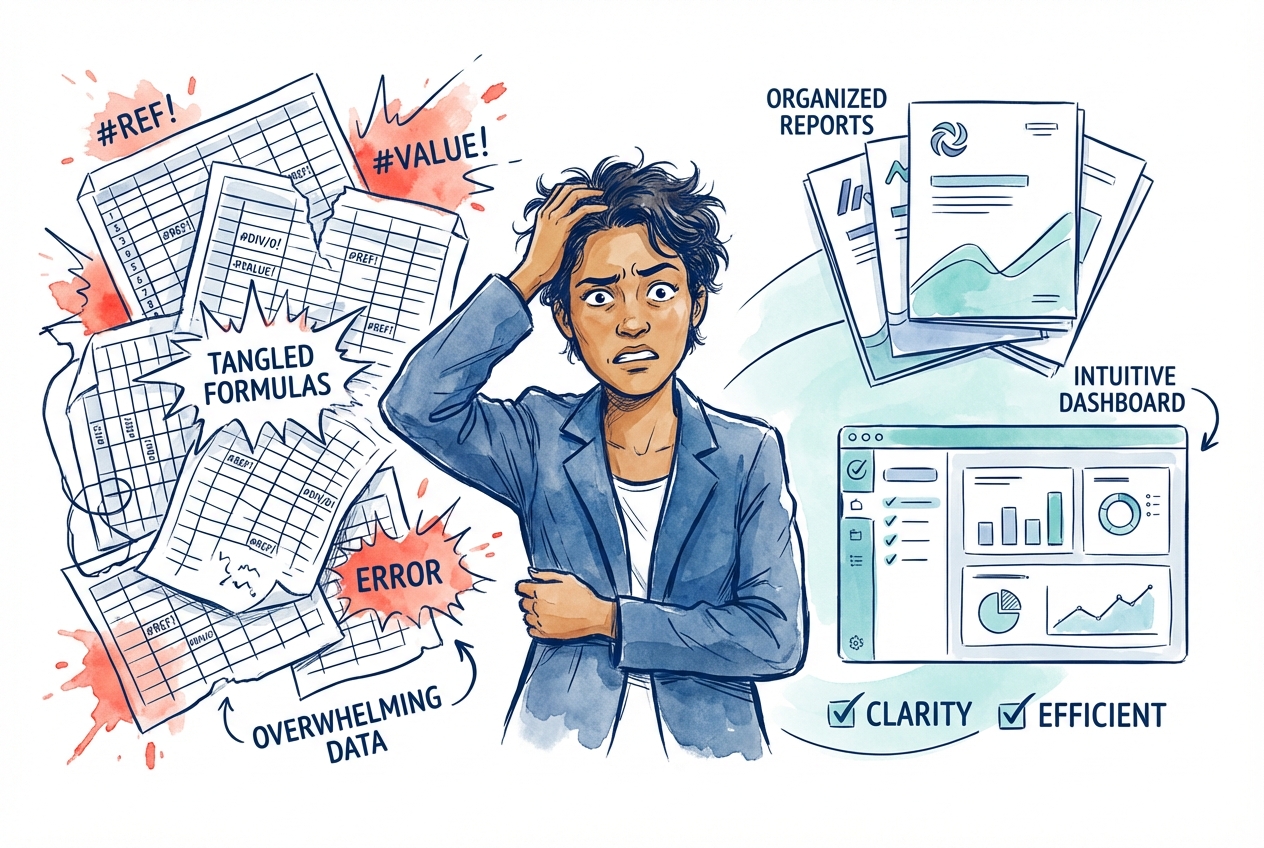
Spreadsheets work until they don't. As your programs grow, the manual effort, error risk, and lack of branding start to hold you back.
The Bottom Line
Excel works for small, one-off assessments. But once you're running 360s regularly with multiple rater groups, anonymity requirements, branded reports, and for enterprise clients then spreadsheets create manual overhead, error risk, and an experience that doesn't reflect your firm.
Side-by-Side Comparison
See how the two approaches stack up across the dimensions that matter most.
Excel & Spreadsheets
Manual template creation, formula setup, email list management
Email responses, manual entry, version control nightmares
You chase people one by one, checking who's responded
Manual formatting, chart creation, PDF export per person
Generic forms, no branding, unprofessional feel
No enforced thresholds, data in email attachments, no audit trail
Complexity explodes, errors multiply, time disappears
Envisia Private Label
Create a campaign, import participants from Excel, set deadlines
Branded online portal with progress saving and mobile support
Event-triggered invitations and reminders that stop once raters complete
Branded PDF reports generated from the platform, individually or in batch
Your logo, domain, colours, and email sender—participants see your firm
Minimum response thresholds, rater-type controls, ISO 27001 certified
The same platform handles 10 participants or 10,000
The Real Difference
A day in your life: Excel vs Envisia
Responses arrive as email attachments or form submissions. You copy each one into your master spreadsheet, cross-referencing the participant list. A rater filled in the wrong person's form. You start again.
You check who's responded, who hasn't, and send individual follow-up emails. Some bounce. Some go to spam. You're never quite sure who's actually received what.
Paste data into the report template. Fix broken formulas. Rebuild charts. Manually calculate averages across rater groups. Export to PDF. Check for errors. Hope you didn't mix up raters.
A participant has only two direct reports. Do you include those scores? You have no system for minimum response thresholds—just your own judgement and a lot of manual checking.
Raters complete assessments directly on your branded portal. Responses are validated and stored in real-time. You see completion rates on your dashboard without touching a spreadsheet.
Invitations and reminders go out automatically based on deadlines you set. Reminders stop once a rater completes. Bounced emails are flagged so you can correct them.
Reports are generated from the platform—individually or in batch. Branded PDFs with your cover page, visualisations, and section structure. No formulas, no copy-paste, no version confusion.
Minimum response thresholds are configured per rater type. The platform enforces them automatically—scores from groups below the threshold are not shown in reports.
What changes when you move off spreadsheets
The manual steps that consume your time simply go away.
Not spreadsheets, not chasing raters, not formatting reports
"Envisia provides a wide range of tools, fantastic reports, and a flexible, easy-to-use platform."Jose Manuel Jimenez Partner, Tools4Success
Making the Switch
How the transition works
We handle the build. You focus on your clients.
Share your current approach
Show us your competency model, report format, and how you currently deliver 360s.
We build your branded tool
We configure the assessment, reports, branding, and translations to match your firm.
Your team gets trained
We walk you through the administration platform so you can run programs independently.
Launch your first program
We support your first live program with white-glove service until you're confident.
Talk through your use case
Show us how you currently deliver 360s and we'll show you what that looks like on the platform—branded, automated, and secure.
